
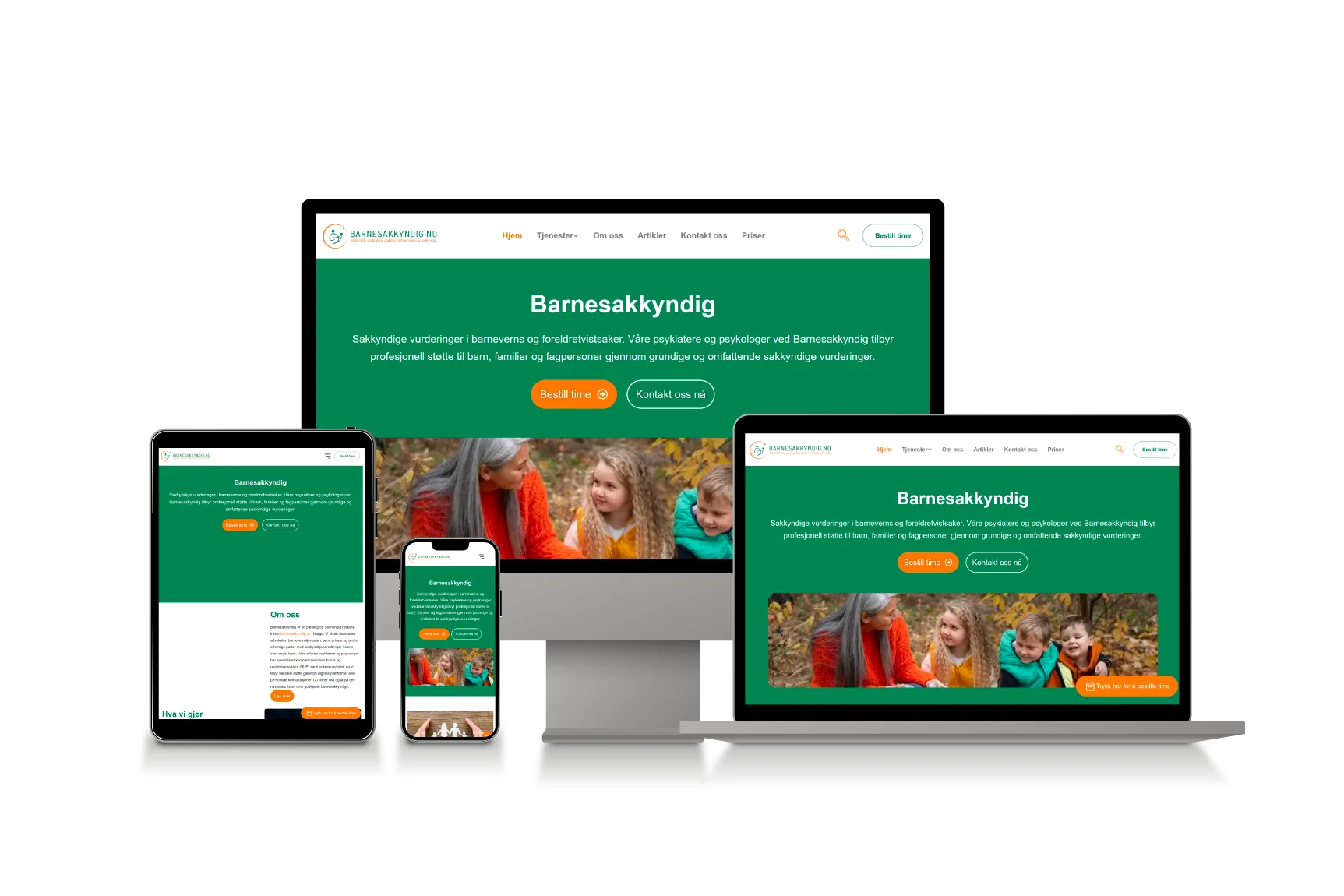
What is a Mobile-First Design?
The first wave of mobile-first design appeared in 2010. It started when Google's CEO announced that all website development should be 'Mobile-first'. Now, what does it even mean? Mobile-First design is designing websites or apps to make them work well on mobile devices. You usually start with the design for a computer screen and then adapt it for mobile. But here, you start with mobile devices first.
This approach makes your design look great and function smoothly on smaller screens. It's all about putting mobile users' needs first to create a better experience.
What are the Phases of Mobile-First Design?
The phases of mobile-first design ensure that a website or app works perfectly on mobile devices before adapting it for larger screens. Here's a simple breakdown of these phases.
01.Research and Planning
Understand what users need and how they interact with your mobile site or app. Start with what you want to achieve with your design. Improving user experience or increasing engagement?
02.Wireframing and Prototyping
Sketch basic layouts for mobile screens to outline the structure and elements. Develop interactive prototypes to test the flow and usability of the design on mobile devices.
03.Design and Development
Focus on creating a clean, user-friendly design that works well on small screens. Put important content and features first. Write code and build the website or app to function on mobile devices before adapting it for larger screens.
04.Testing and Optimization
Check how your design performs on different mobile devices to ensure it loads and works as intended. Make any necessary adjustments to improve loading times and overall performance on mobile.
05.Adapt for Larger Screens
Gradually adjust the design for tablets and desktops, ensuring that the user experience remains smooth and effective on larger screens.
06.Launch and Monitor
Your mobile-first design is live for users. Continuously gather user feedback and analyze performance to make ongoing improvements. These phases help ensure your design is user-friendly and effective on mobile devices. It still provides a smooth user experience for desktop and tablet users.